gitadvancedversion-controlbackenddeveloper-tools
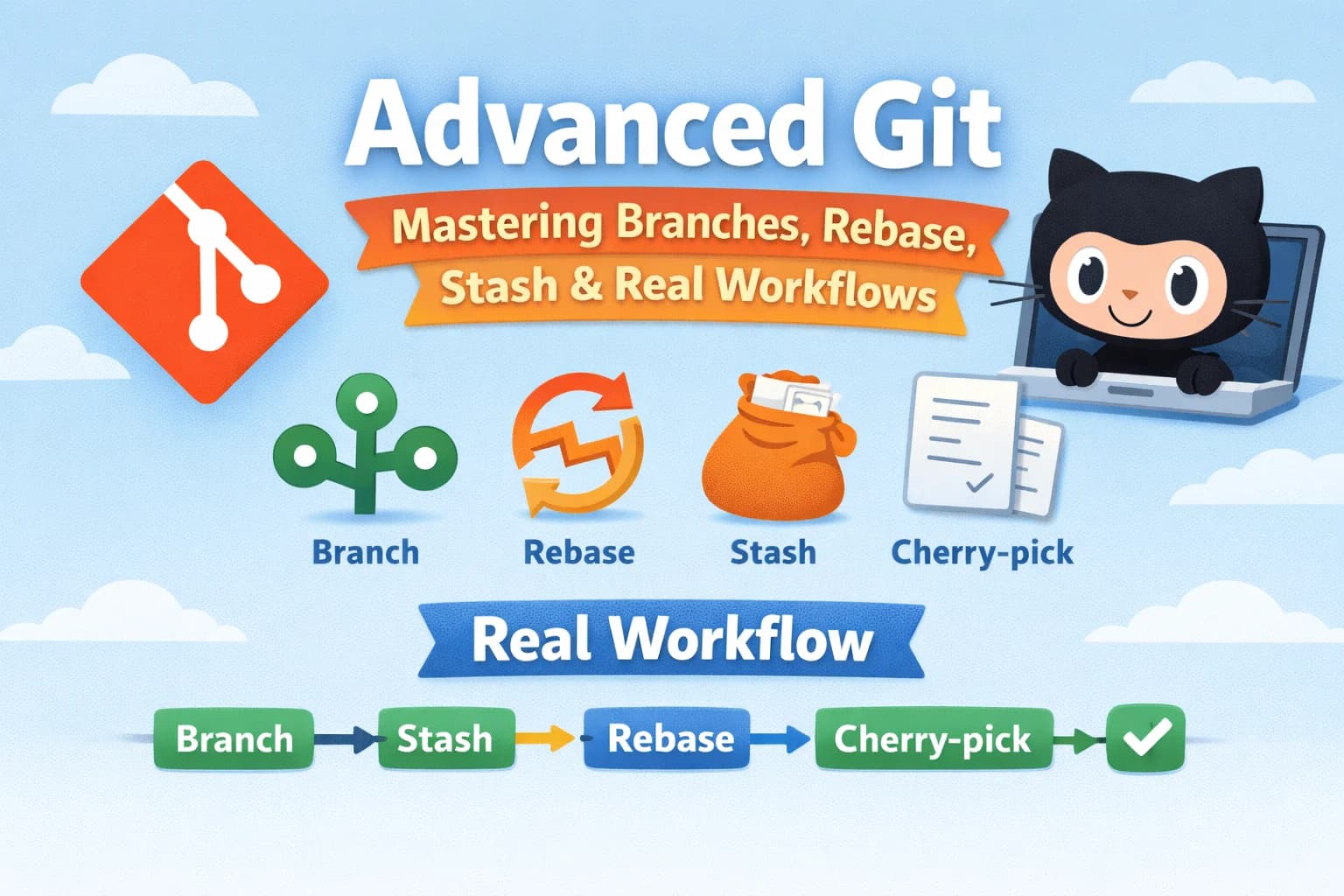
Advanced Git — Mastering Branches, Rebase, Stash & Real Workflows
S
Advanced Git — Mastering Branches, Rebase, Stash & Real Workflows
If you already know:
- git add
- git commit
- git push
Then this is your next step.
👉 This guide teaches how real developers use Git.
🧠 The Real Problem
Most beginners use Git like this:
- Work on main branch
- Push directly
👉 This breaks teams and creates messy history.
🌿 Branching Strategy (Correct Way)
Always work in branches.
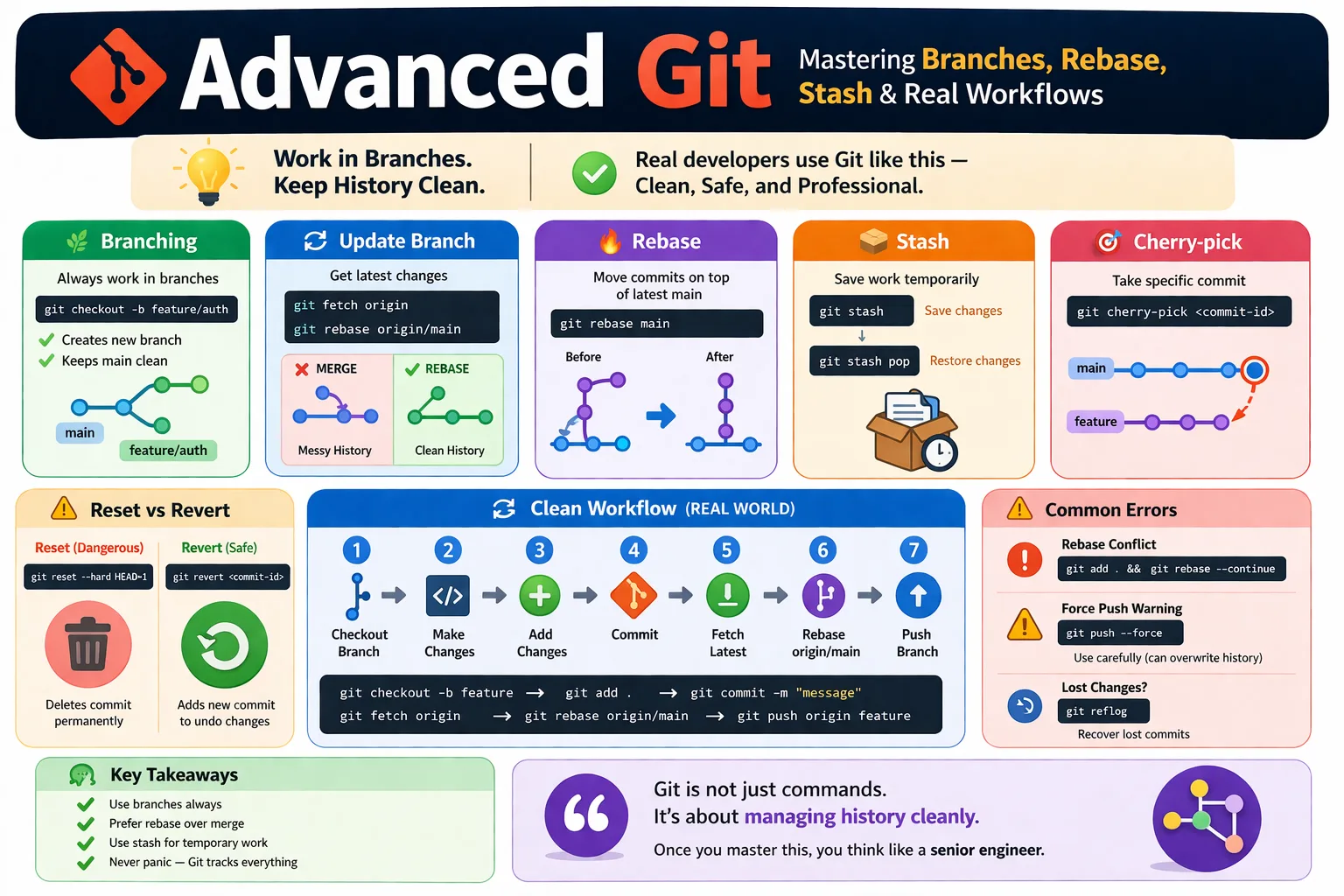
git checkout -b feature/auth
What it does
- Creates new branch
- Keeps main branch clean
🔄 Keeping Your Branch Updated
git pull origin main
OR (better):
git fetch origin
git rebase origin/main
Difference
merge→ messy historyrebase→ clean linear history
🔥 Git Rebase (Important)
git rebase main
What it does
- Moves your commits on top of latest main
- Keeps history clean
⚠️ Rebase Conflict Fix
git add .
git rebase --continue
📦 Git Stash (Save Work Temporarily)
git stash
What it does
- Saves uncommitted changes
- Cleans your working directory
Restore changes:
git stash pop
🎯 Cherry-pick (Take Specific Commit)
git cherry-pick <commit-id>
Use case
- Copy one commit from another branch
🧨 Reset vs Revert
Reset (dangerous)
git reset --hard HEAD~1
👉 Deletes last commit permanently
Revert (safe)
git revert <commit-id>
👉 Creates a new commit that undoes changes
🔄 Clean Workflow (REAL WORLD)
1. git checkout -b feature
2. make changes
3. git add .
4. git commit
5. git fetch origin
6. git rebase origin/main
7. git push origin feature
⚠️ Common Advanced Errors
❌ Rebase conflict
git add .
git rebase --continue
❌ Force push warning
git push --force
👉 Use carefully (can overwrite history)
❌ Lost changes
git reflog
👉 Recover lost commits
🧠 Key Takeaways
- Use branches always
- Prefer rebase over merge
- Use stash for temporary work
- Never panic — Git tracks everything
🏁 Final Thought
Git is not just commands.
👉 It’s about managing history cleanly.
Once you master this:
👉 You think like a senior engineer.